Designatix Start a project

Digital Experience / Real Time 3D

Real Time 3D

Your project as live 3D that people explore themselves: on a big screen, a touch table, in VR or from a link.

What is Real Time 3D

A project you
explore, not watch.

Real Time 3D is a live, game-engine version of a project that people explore themselves, like a video game. They move the camera, walk the streets, click points of interest and switch between options. Every frame is drawn live by the game engine, so nothing is pre-rendered and the viewer can go anywhere.

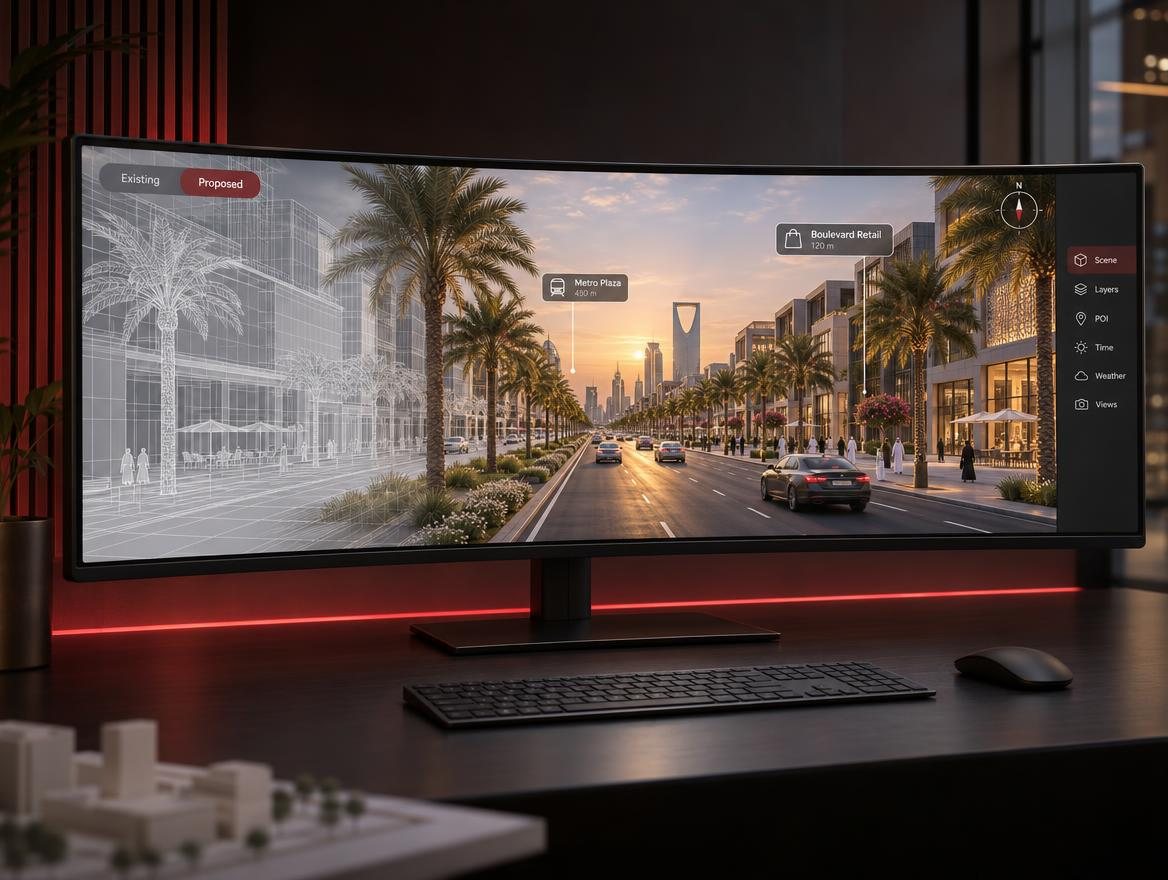
Curved monitor showing a city model turning from wireframe into a live, photoreal boulevard

Why

Why clients
want it.

Renders and films answer the questions we expected. Real Time 3D answers the ones people actually ask.

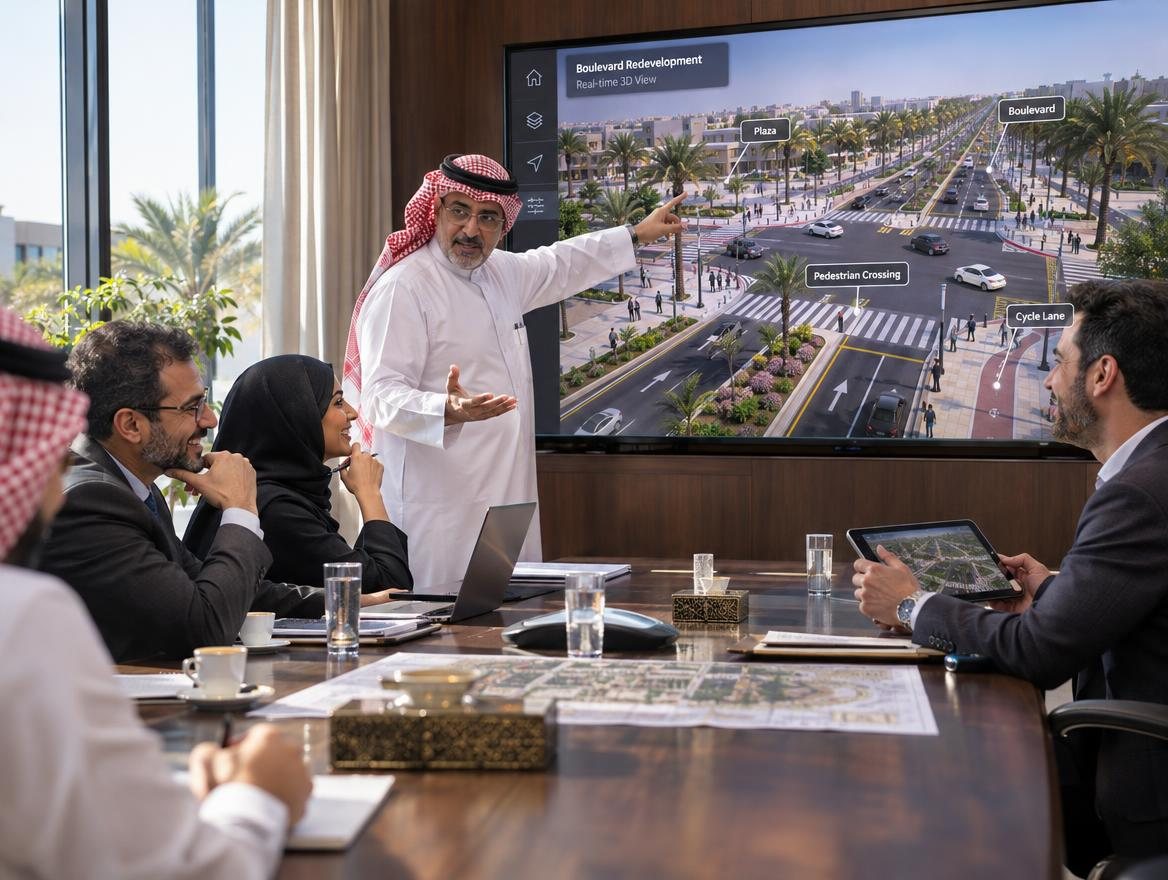
Official in a design review pointing at a wall screen showing a road junction in real-time 3D

They explore

Viewers go straight to the part they care about: their plot, their street, their junction.

Answers on the spot

Options, phases and day / night switch instantly in the meeting, with no new renders and no waiting.

Real scale

Walking at street level or in VR shows size and space in a way still images can't.

One build, many uses

The same app works at exhibitions, in meetings, in sales centres and online, and it reuses the model we already built.

How we show it

Four ways
to present.

The same project, four setups. Each one suits a different room and a different audience. Scroll through them.
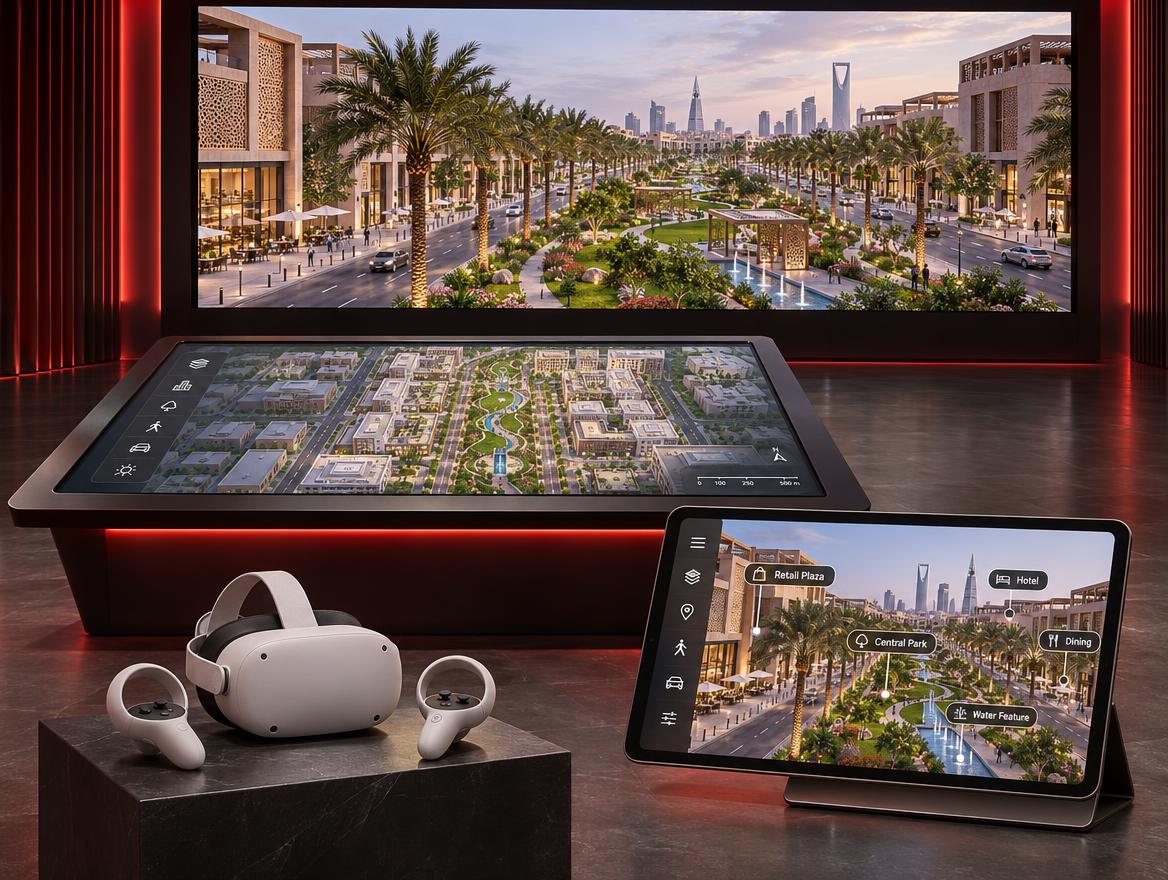
One city project shown on an LED wall, a touch table, a VR headset and a tablet
  1. 01 / 04

    Big screen + presenter

    Someone tells the project's story live.

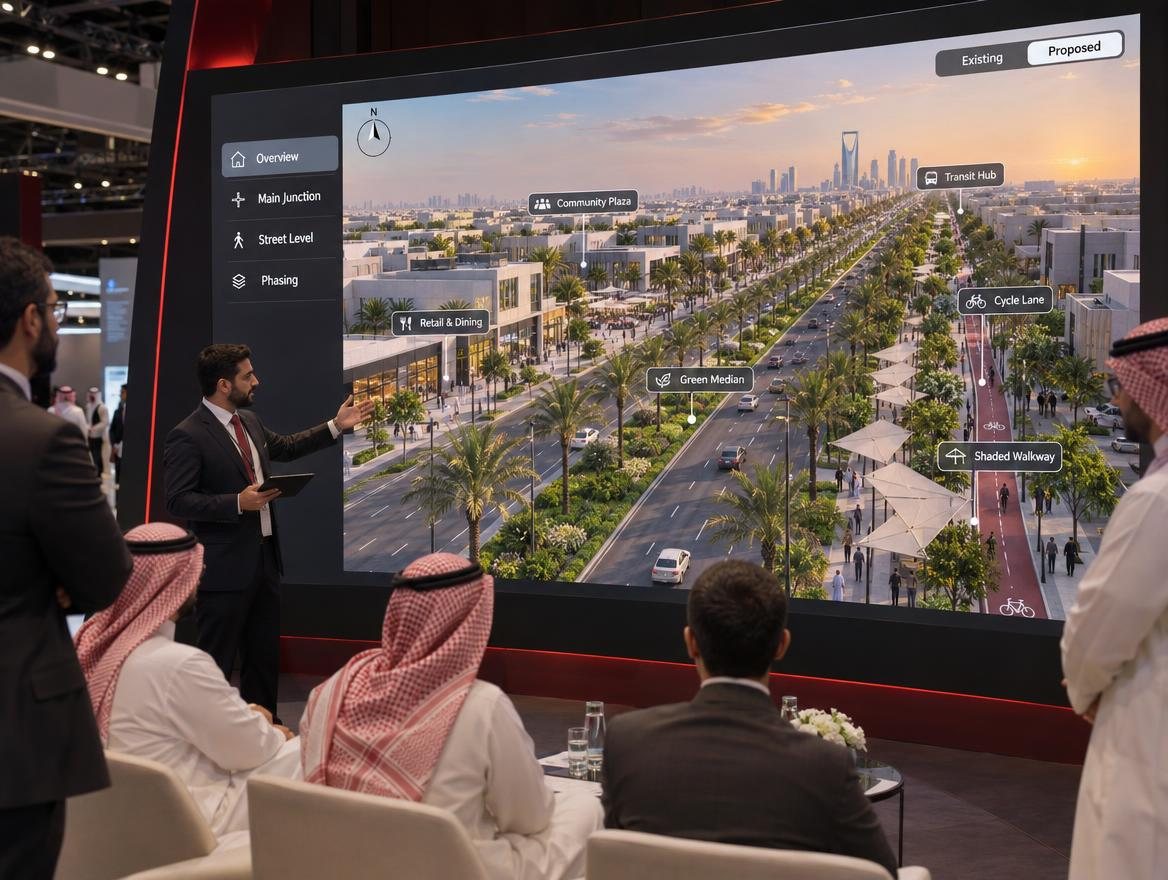
    A presenter stands next to an LED wall or large TV and drives the live 3D model from a tablet or gamepad. The audience watches the camera fly to whatever they ask about. The main format for exhibitions and presentations to authorities.

    The audience sees

    • The project moving live, not a pre-made video
    • Instant switches: existing / proposed, day / night, phases
    • Answers shown on screen as questions come

    We need

    • PC with a recent RTX card
    • 4K TV (75–98") or rented LED wall
    • Tablet remote or wireless gamepad
    • Camera bookmarks prepared
    Controls: presenterAudience: 10–100Best for exhibitions, authority meetings
    Presenter with a tablet beside an LED wall showing a 3D boulevard, explaining to a group
  2. 02 / 04

    Touch table

    Visitors explore at their own pace.

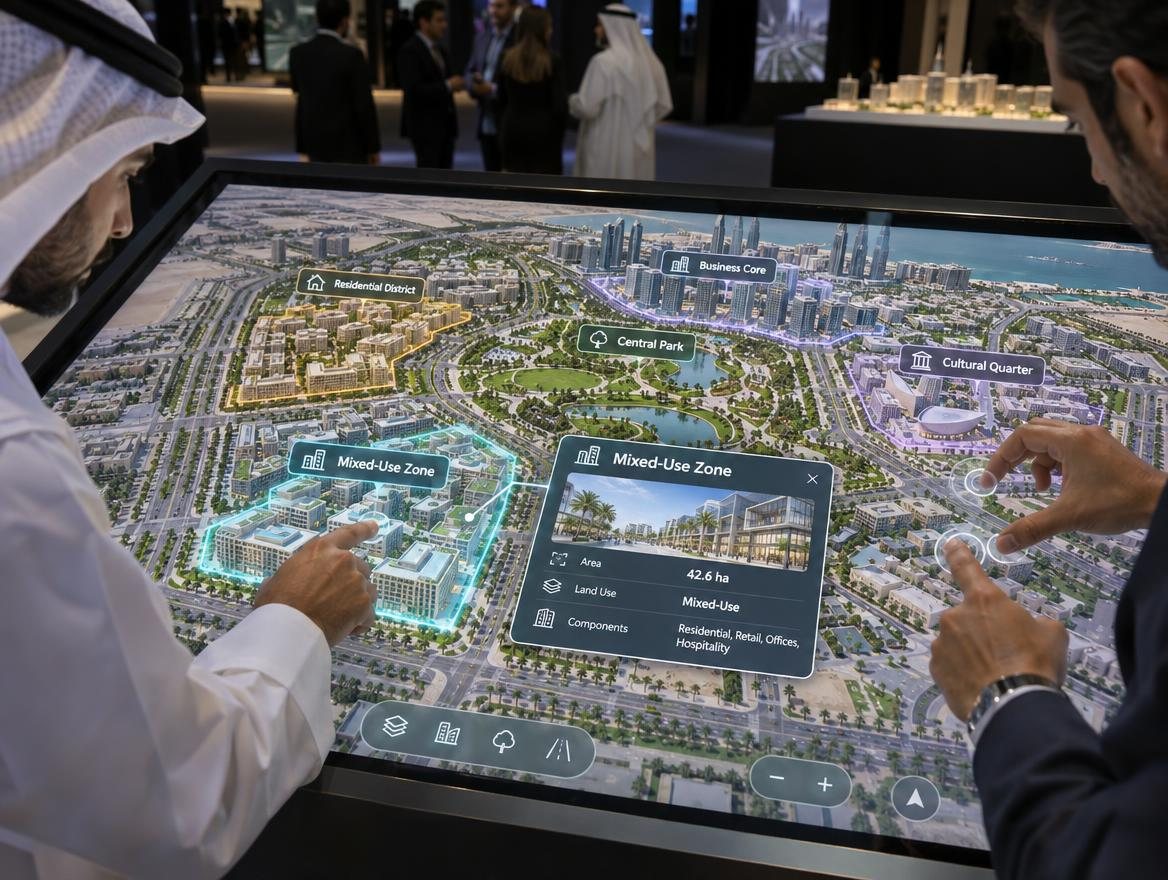
    A large touch screen, flat as a table or standing as a kiosk. Visitors tap zones, pinch to zoom and open info cards. When nobody is using it, an attract loop plays to pull people in.

    The audience sees

    • The masterplan from above, easy to read
    • Info cards with areas, uses and phases
    • Renders and clips opened from each zone

    We need

    • 55–86" touch screen, table or kiosk
    • PC inside or behind the unit
    • Large buttons and an idle loop
    • English and Arabic content
    Controls: visitorAudience: 1–6Best for masterplans, sales centres
    Hands using a touch table showing a 3D masterplan with highlighted zones
  3. 03 / 04

    VR headset

    Stand inside the project at true scale.

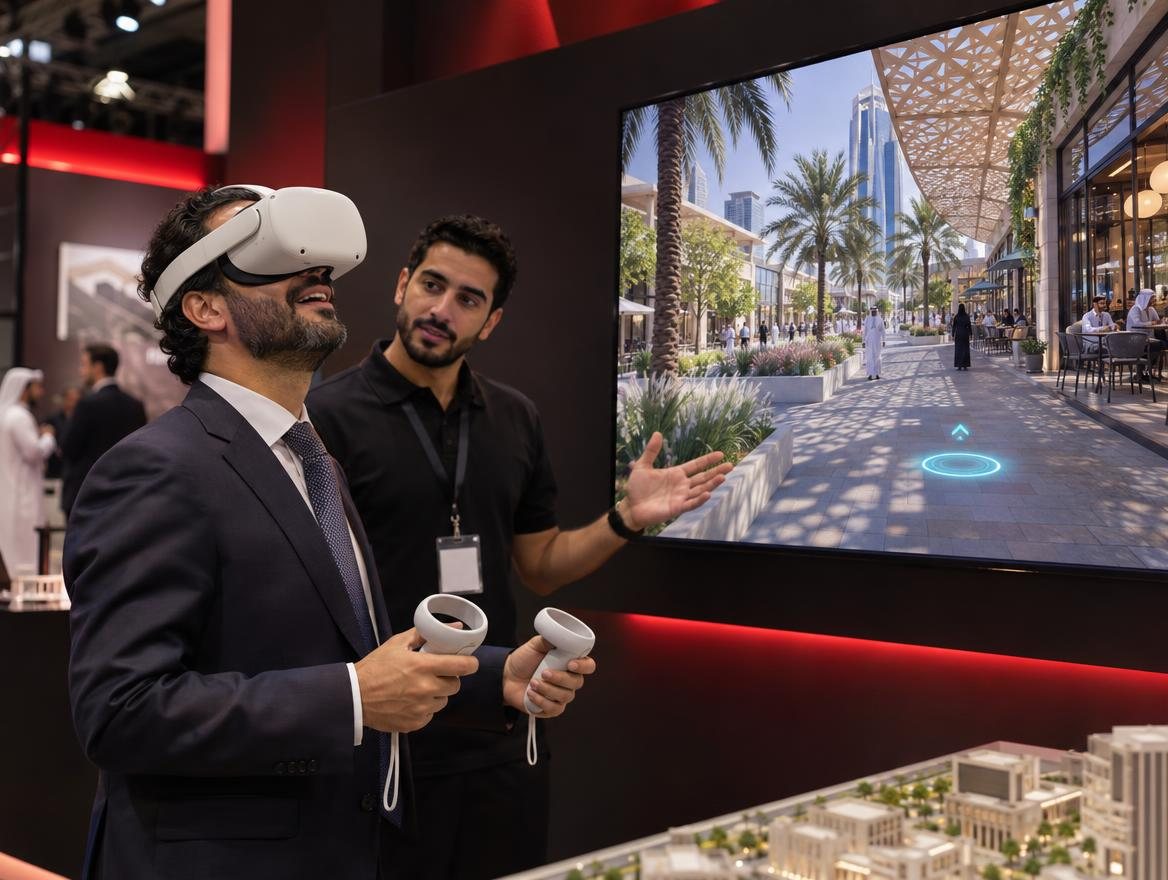
    The visitor wears a headset and starts with the whole masterplan in front of them, then teleports down to a street, a plaza or an interior. A TV beside them shows what they see, so the people waiting watch too.

    The audience sees

    • Real scale, which renders can't give
    • Overview first, then street level
    • Day / night and design options on the controller

    We need

    • Headset, standalone or linked to a PC
    • Teleport movement to avoid motion sickness
    • TV mirroring the headset view
    • An attendant for first-time users
    Controls: visitor + attendantAudience: 1 at a timeBest for resorts, interiors, design reviews
    Visitor in a VR headset with a TV behind mirroring a street-level boulevard view
  4. 04 / 04

    Web link + tablet

    The project stays with the client after the meeting.

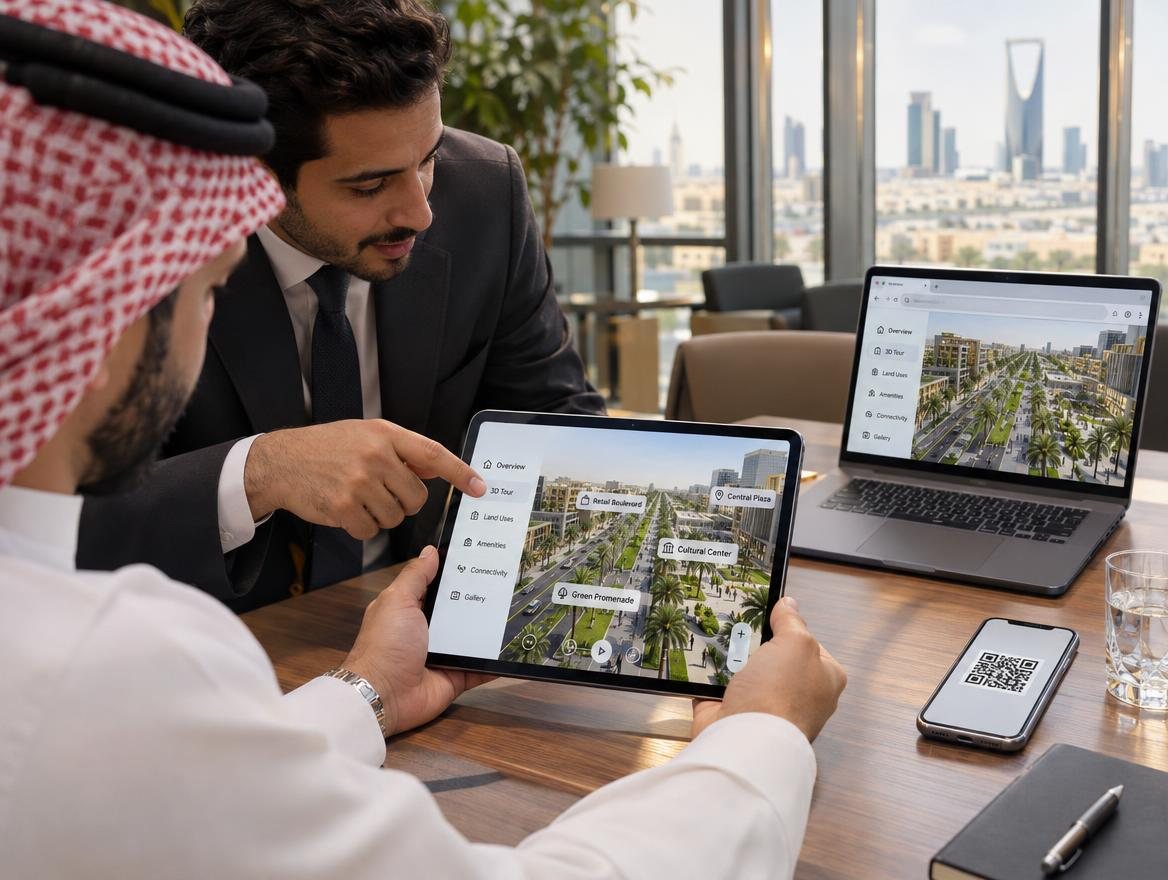
    A lighter version that runs in a browser, or is streamed from a server, plus a tablet mode for sales advisors. Shared by QR code at the stand, sent on WhatsApp, or embedded on the client's website.

    The audience sees

    • Points of interest, layers and info cards
    • Links to renders, film and 360° tours
    • The same project they saw at the stand

    We need

    • Optimised scene or a streaming service
    • Hosted link and QR code
    • Tablet mode for sales staff
    • Testing on phone, tablet and desktop
    Controls: anyoneAudience: unlimitedBest for follow-up, online, sales
    Client holding a tablet with the interactive project, laptop and phone with QR code on the table

How it's made

  1. 01 / 03
    3ds Max

    Model

    We build the project the way we always do.

    • Roads, buildings, landscape and street furniture from the client's drawings
    • Clean geometry and UVs, light enough for real time
    • Organised in layers: existing, proposed and phases
    Output: Clean 3D model
  2. 02 / 03
    Unreal Engine 5

    Visualise

    The model moves into the game engine.

    • Datasmith brings the scene across with its materials and cameras
    • Real-time lighting, sky, vegetation, people and traffic
    • Interaction added: points of interest, menus, existing / proposed, phasing, gallery
    Output: Interactive Unreal scene
  3. 03 / 03
    Real-time app

    Play

    The project runs like a game.

    • Packaged as a Windows app, or streamed to a browser
    • Runs live on an RTX PC, with no rendering wait
    • Controlled by mouse, touch, gamepad, tablet or VR controllers
    Output: Game-based project app
Want your project in real time?

Request a quote

Get in touch